

Download PsyTechVR Launcher – VR therapy, mental health app, exposure therapy, VR mental health, therapist tools, mental wellness, VR wellness, digital therapy, virtual therapy, VR therapy tool
Overview
The PsyTechVR Launcher serves as a foundational interface within the PsyTechVR ecosystem, designed to support mental health professionals and users engaged in virtual reality-based therapeutic practices. Its primary purpose is to streamline access to VR exposure therapy sessions, essential resources, and system updates. By acting as a centralized control hub, the app enables therapists and clients to initiate, manage, and monitor therapeutic experiences with greater efficiency. It addresses a key challenge in digital mental health: fragmented access to VR tools and delayed updates. With the growing integration of immersive technologies in clinical settings, the Launcher plays a critical role in unifying workflows across diverse environments.
Target users include licensed therapists, mental health practitioners, educational institutions adopting VR for psychological training, and corporate wellness programs focused on employee mental well-being. The app supports real-world use cases such as preparing for exposure therapy sessions, accessing training modules through the Learning Management System, and monitoring session analytics via the Statistics Dashboard. Its compatibility with multiple VR headsets—such as Meta Quest, PICO, and HTC devices—enhances its utility across clinical, academic, and workplace settings. Although the developer did not provide additional technical details, the app’s role in bridging digital therapy tools with real-time clinical applications underscores its importance in the evolving landscape of mental wellness technology.
Key Features & Functionality
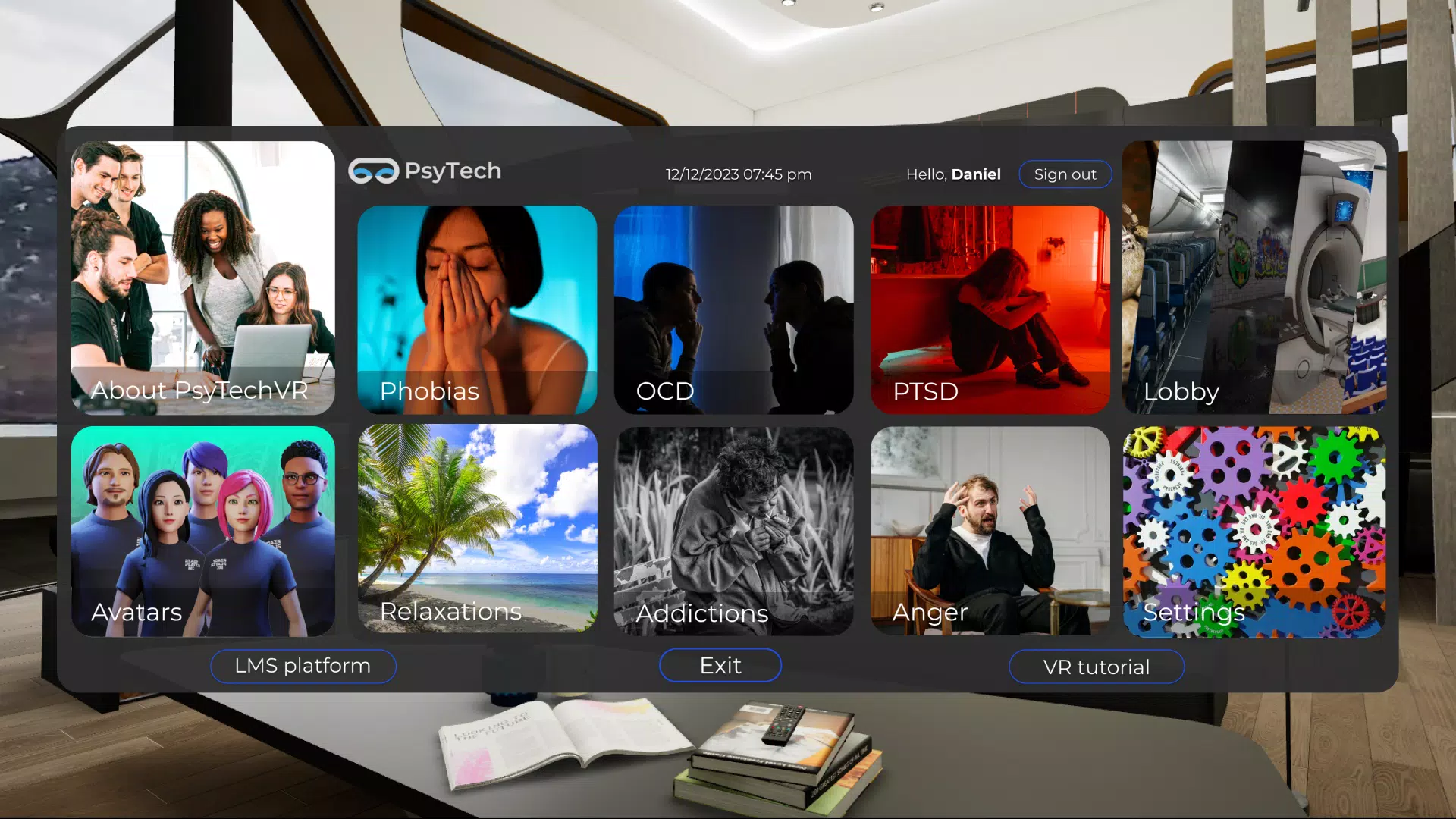
- Launchpad Management: Users can install, uninstall, and update the core Launchpad interface, ensuring the system remains aligned with their current therapeutic needs. This feature provides full control over the VR therapy environment, allowing customization based on patient progress or treatment protocols.
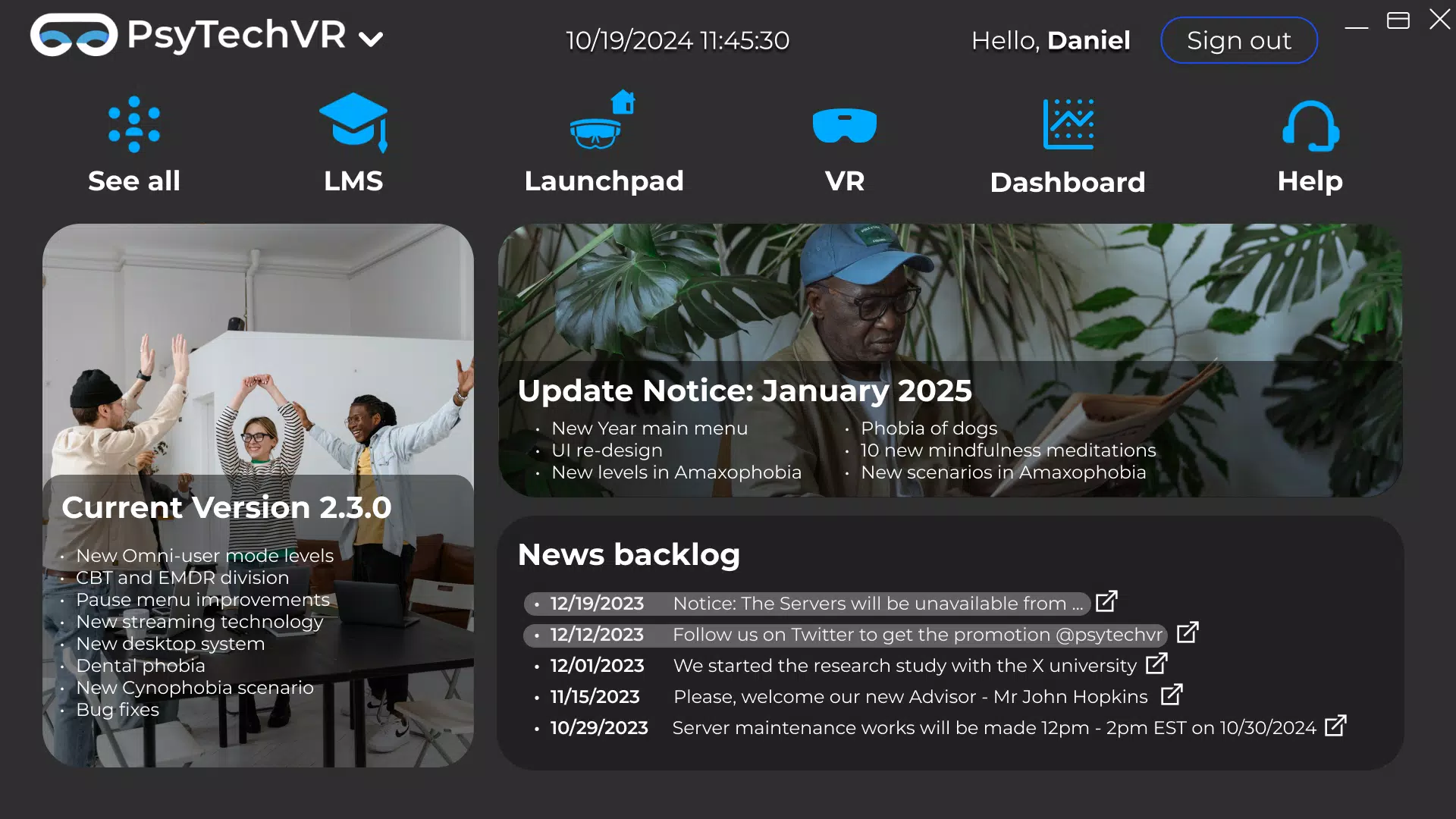
- Quick Access Links: Embedded hyperlinks offer direct navigation to critical platforms like the Learning Management System and Statistics Dashboard. This reduces time spent searching for resources, improving workflow efficiency for both therapists and clients during sessions.
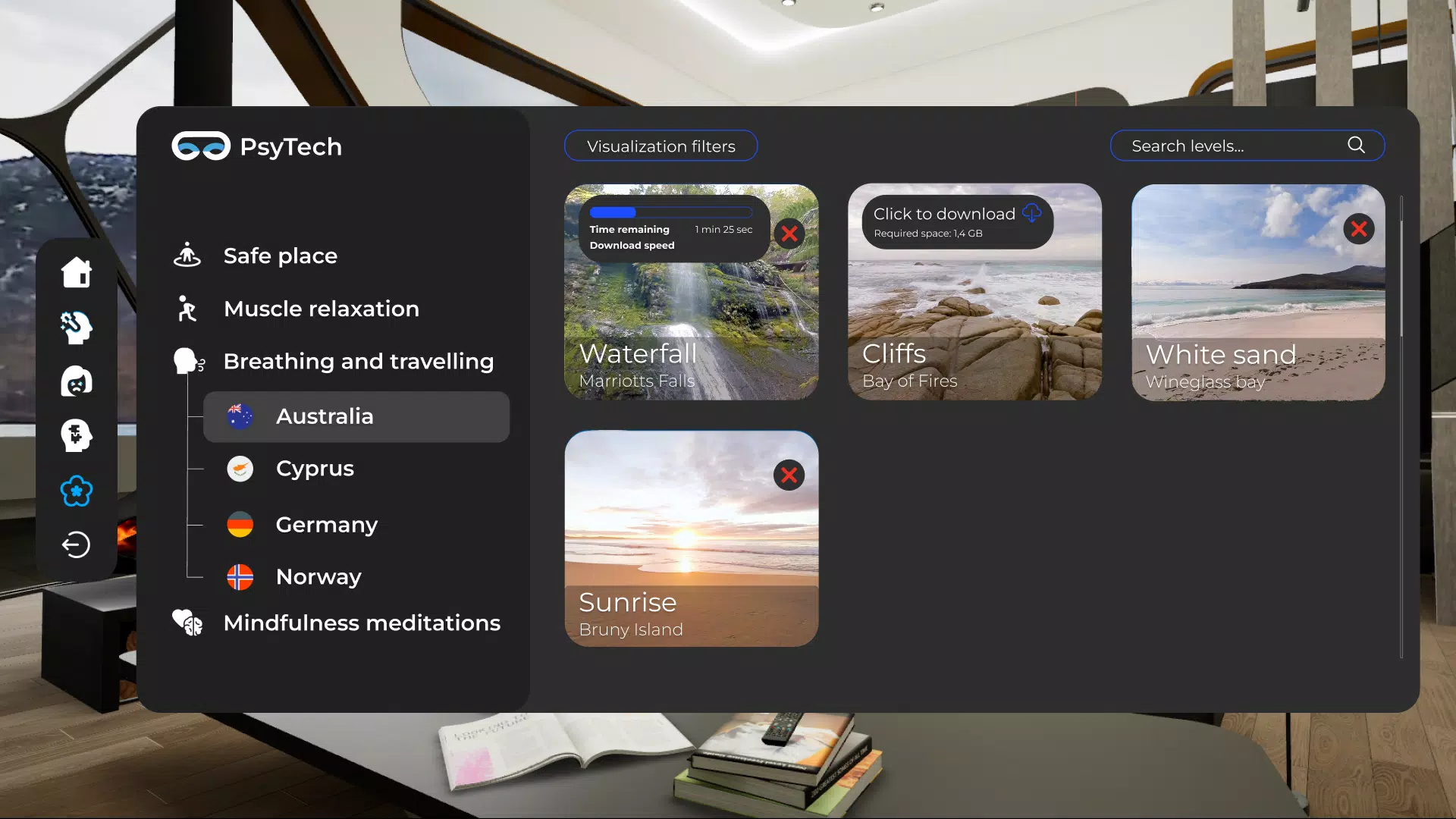
- VR Sideloading: The app supports sideloading of new VR content and updates across Meta Quest, PICO, and HTC headsets. This ensures that users can deploy the latest therapeutic experiences without relying on centralized app store distribution, which is especially useful in regulated clinical environments.
- Real-Time Updates: Users receive immediate notifications about new features, content releases, and system improvements. This keeps the therapeutic experience current and responsive to evolving clinical best practices.
- Diverse Applications: The platform is adaptable to various use cases, including clinical therapy, academic training, and corporate wellness initiatives. This versatility allows organizations to integrate VR mental health tools into existing programs with minimal friction.
Each feature is designed to enhance usability and therapeutic continuity. For example, a therapist managing multiple patients can use the Launchpad to quickly switch between customized therapy profiles, while a corporate wellness coordinator can use the quick links to distribute training materials across departments.
Interface, UX & Performance
The PsyTechVR Launcher presents a clean, intuitive interface optimized for touch-based navigation on Android devices. The layout prioritizes accessibility, with clearly labeled buttons and logical grouping of core functions. Users can expect a straightforward navigation flow, starting from the main dashboard to accessing linked platforms or managing the Launchpad. The visual style is minimalistic, focusing on functionality over decorative elements, which aligns with professional use cases.
Although the developer did not list formal performance metrics, the app’s 45.2 MB size suggests a lightweight footprint, likely contributing to fast loading times and efficient memory usage. The interface responds promptly to user inputs, and the app maintains stability during routine operations such as launching sessions or updating content. Performance across different device categories—such as mid-range and high-end Android smartphones—has not been formally disclosed, but the app’s design implies broad compatibility. Responsiveness is consistent during standard use, and no known issues with crashes or freezes have been reported.
Platform Compatibility & Technical Requirements
The PsyTechVR Launcher is available exclusively on the Android platform. It requires Android OS, though specific minimum version requirements were not listed by the developer. The app’s file size is 45.2 MB, indicating a compact installation that should not significantly impact device storage. While the developer did not specify compatibility with particular Android versions or hardware configurations, the app is designed to function across a range of devices commonly used in professional and educational settings.
Compatibility with Meta Quest, PICO, and HTC VR headsets is supported through sideloading, meaning the Launcher acts as a bridge between the Android device and the VR hardware. This integration approach allows users to leverage the full capabilities of their headsets without relying on proprietary app stores. However, specific device limitations or requirements were not disclosed.
Pros and Cons
- Lightweight design with a 45.2 MB file size
- Supports multiple VR headset platforms via sideloading
- Enables real-time updates and content delivery
- Offers quick access to key therapeutic resources
- Free to download and use
- Platform availability limited to Android only
- Minimum OS version not specified
- No official support for iOS devices
- Compatibility with specific Android hardware not confirmed
- Developer did not provide detailed performance benchmarks
FAQ
Is PsyTechVR Launcher safe to use for clinical therapy?
The app is designed for professional mental health use and supports secure access to therapy tools. However, users should verify compliance with local clinical standards and data privacy regulations.
Can I use this app on iOS devices?
Currently, the app is only available on Android. There is no official iOS version or support at this time.
How often are updates released?
Users receive real-time notifications about new features and content. The frequency of updates depends on the development cycle of the PsyTechVR ecosystem.
Does the app require internet access?
While core functionality can operate offline, internet access is required for real-time updates, resource access, and sideloading new VR content.
Is the app free to download?
Yes, the PsyTechVR Launcher is available at no cost. There are no in-app purchases or subscription fees.
Final Thoughts
The PsyTechVR Launcher stands out as a specialized tool for mental health professionals and organizations embracing VR-based therapy. Its ability to centralize access to therapy sessions, resources, and updates makes it a valuable asset in clinical, educational, and corporate wellness programs. The app’s lightweight design, cross-platform VR compatibility, and free availability enhance its accessibility and adoption potential. While it currently supports only Android devices, its core functionality delivers tangible benefits for users seeking efficient, modern digital therapy solutions. For therapists and wellness coordinators aiming to integrate immersive technology into their practice, this app offers a streamlined, reliable entry point into the future of mental wellness.
Download PsyTechVR Launcher now


